


The free and simple image editor that you were looking for
The truth is that although Photoshop has become a reference in photo editing programs, it's definitely not the easiest one to use. Making the most of its functions requires dedication and, in fact, it can't even be downloaded for free. Luckily enough there are quite a few noteworthy free alternatives that we can use both on and offline, one of the best being the possibility to download PhotoScape for PC.
Image enhancement and photo editing at everyone's reach
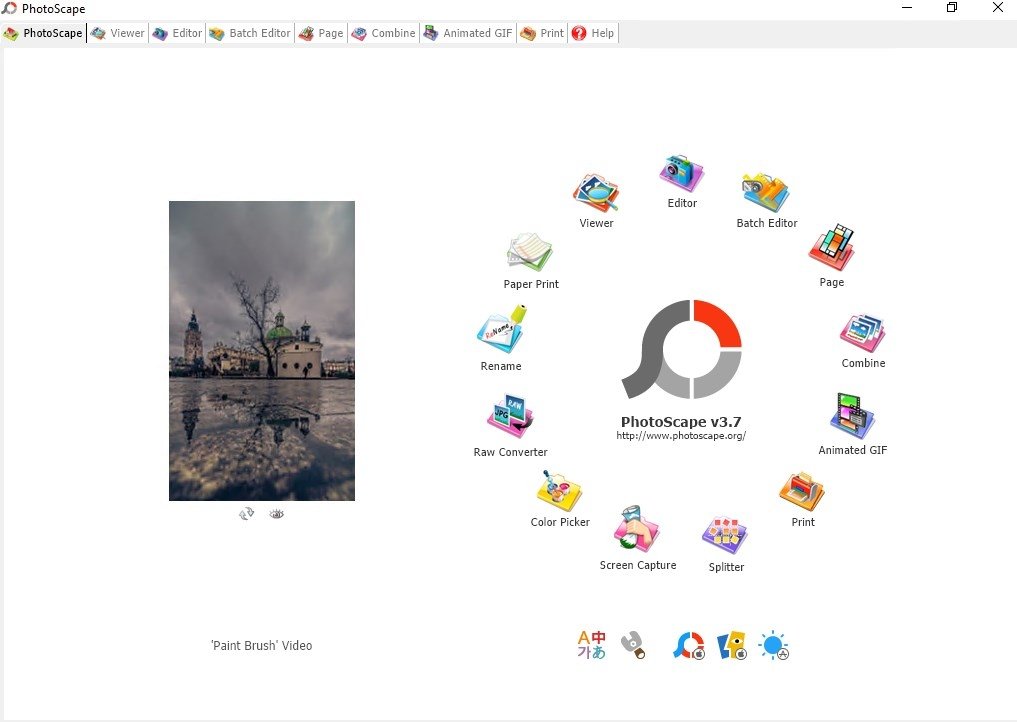
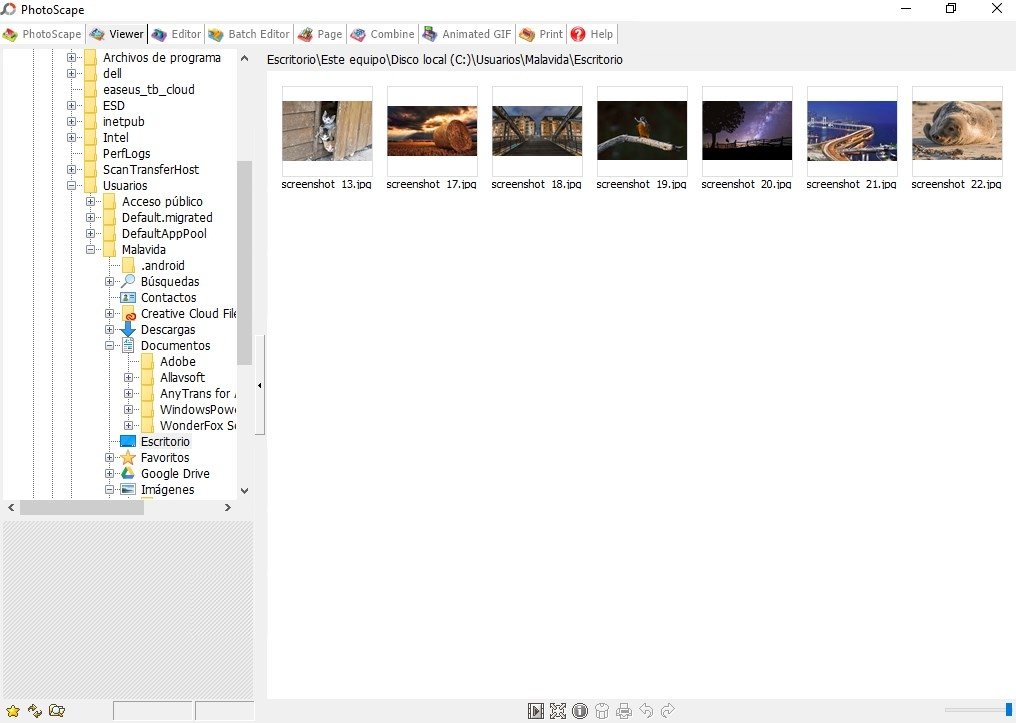
It's a program to edit, fix, and improve digital images but that's not all: it incorporates other functions such as a viewer through a simple interface that provides us access to different functions. It turns out to be a very useful tool if we have to handle large photo collections with which we can organize them, view them, edit them to correct errors and improve their quality or create compositions such as collages, montages, and wallpapers.
A reliable alternative for anyone who needs a a decent image editor without having to pay a cent.
These are the main features and functions available once we download PhotoScape for PC:
- Photo viewer with the option to present them as a slideshow.
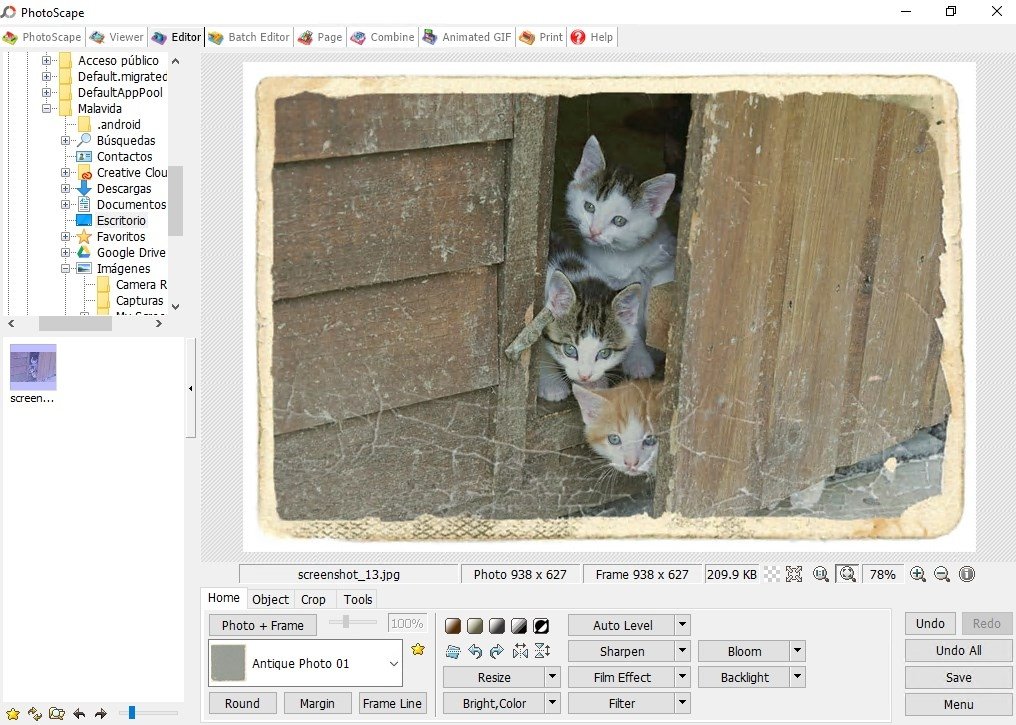
- Image editor that allows you to resize, adjust the brightness, white balance, correct the backlight, apply frames and bubbles, add text, crop, apply filters, remove red eyes...
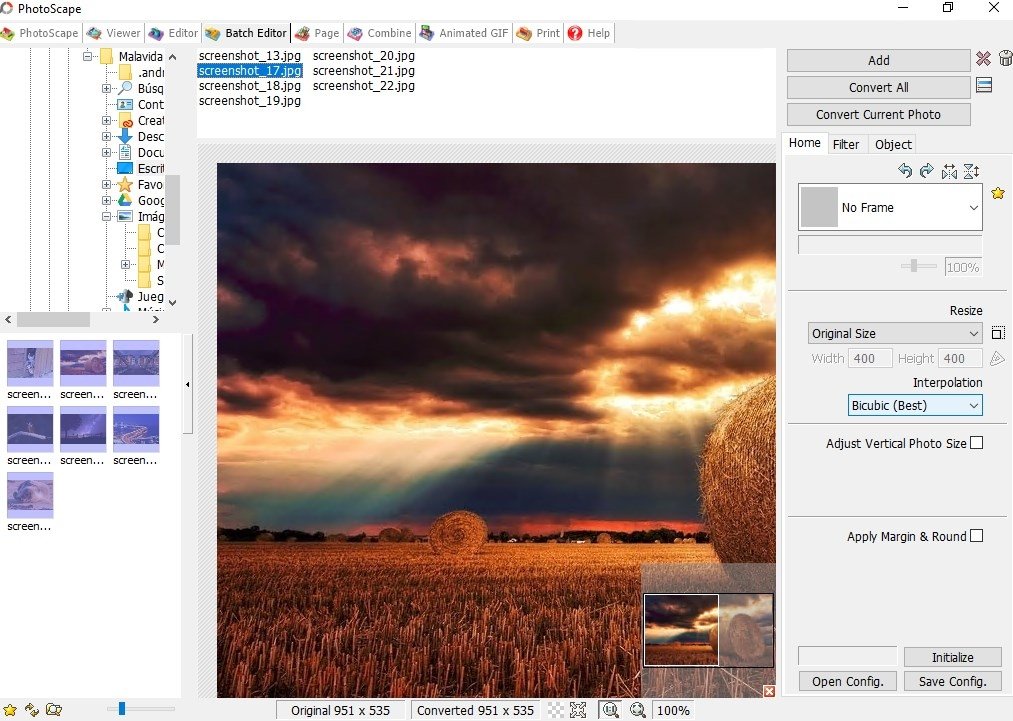
- Edit in batches.
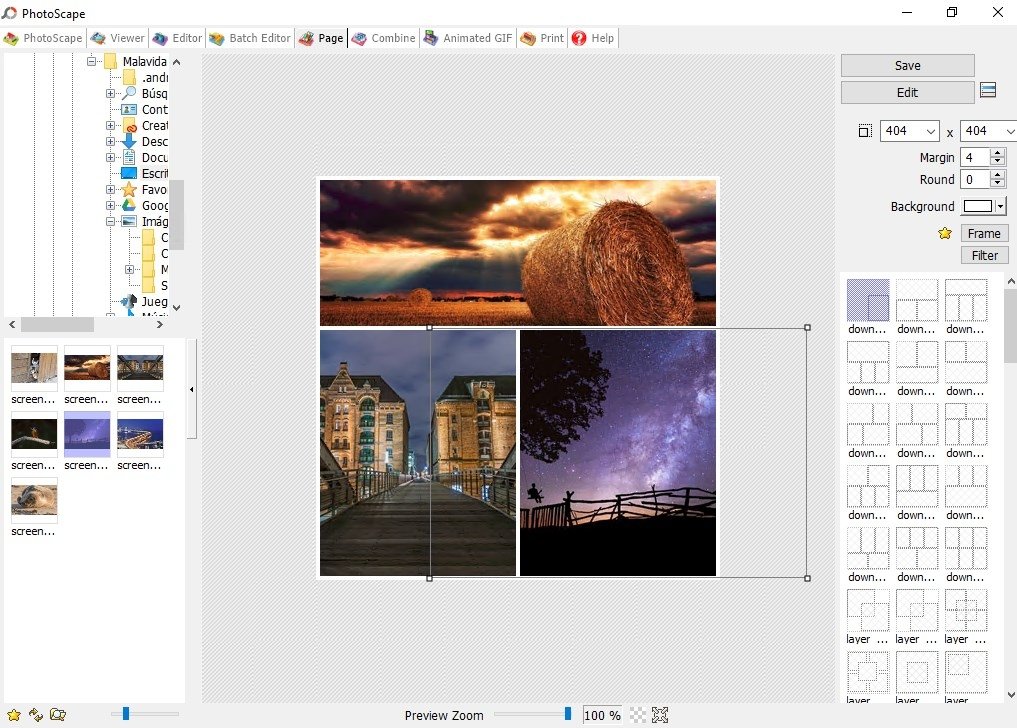
- Merge several photos on the same page to create a final photo.
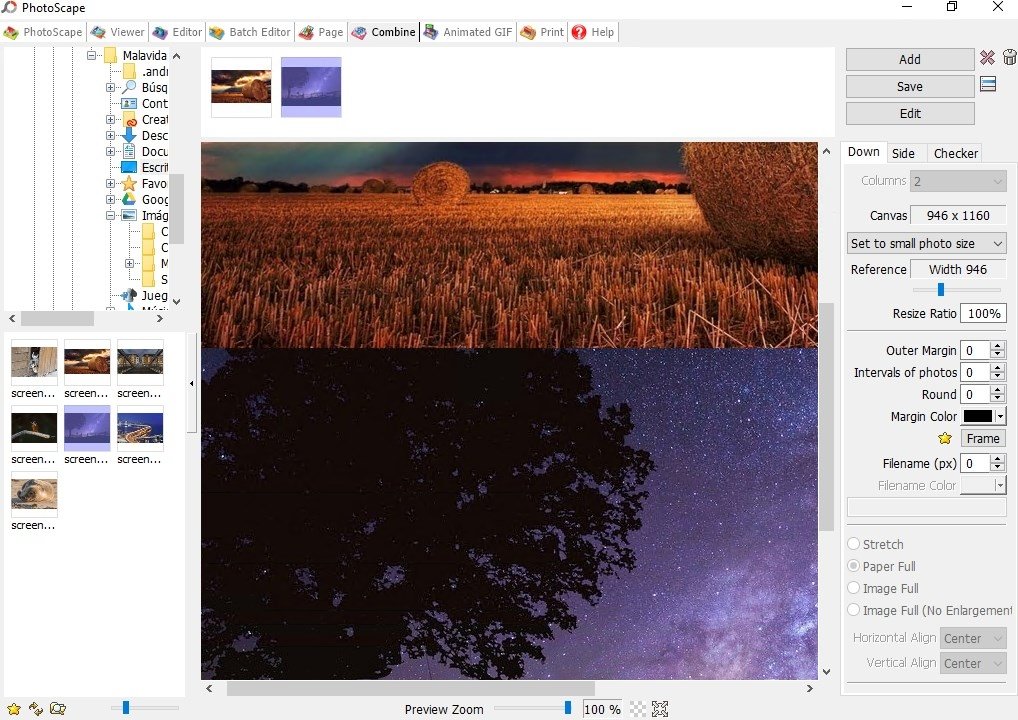
- Attach several photos vertically or horizontally.
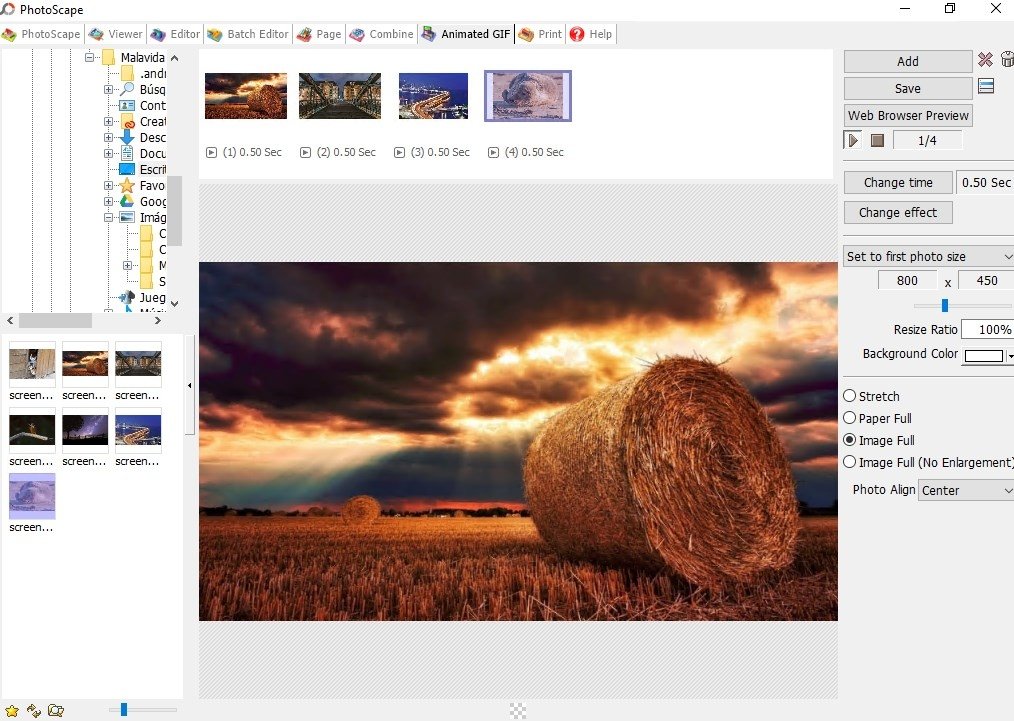
- Create animated GIFs.
- Black & White and Bandicoot filters.
- Different interfaces: Editor, Page, Combine, and AniGif interfaces.
- RAW to JPEG converter.
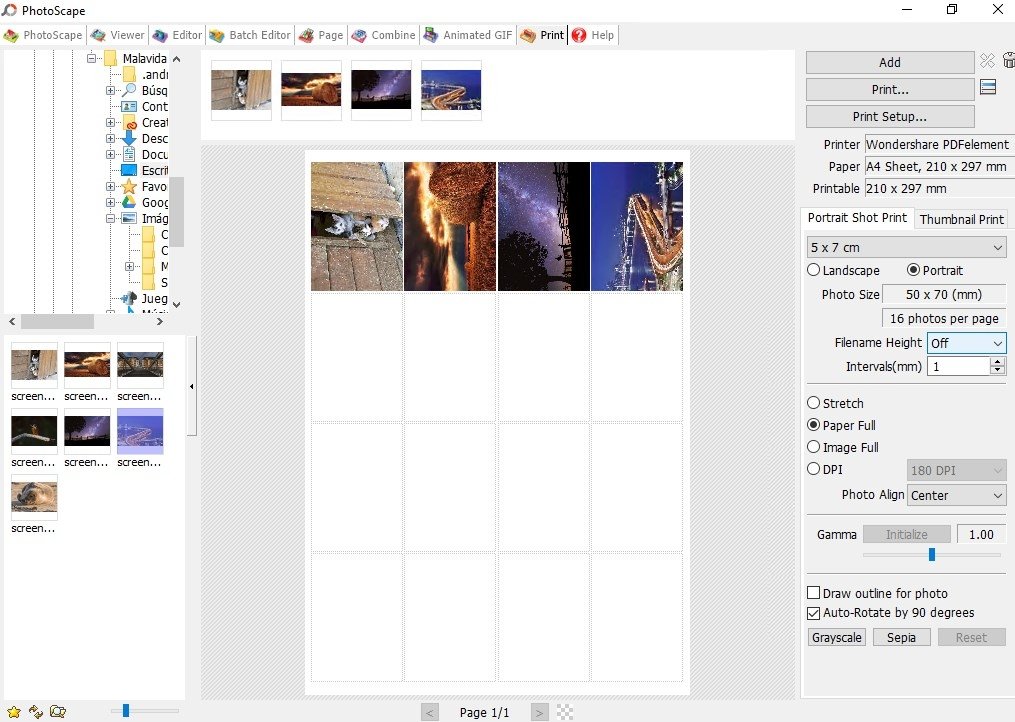
Furthermore, it also comes along with functions that will avoid you having to resort to printing applications as it incorporates its own tools. Thus, we can transfer to a physical format any edits carried out, including mosaics, collages or wallpapers.
A versatile photo editor compatible with different Windows versions
It's important to point out these detail as we're talking about version 3.7 of the free edition. There's also a paid edition called X Pro Full, released for Windows 10. However, this free one also runs on previous versions such as 8.1 and 7.
Its great performance has led to the development of a version for Mac, which is exactly the same as the version that has been developed specifically for Windows 10. However, the users of mobile devices will still have to wait for some time to be able to use it as an application, so forget about downloading an APK for Android.
Requirements and additional information:
- To be able to change the application's language you require an Internet connection to be able to download the corresponding file from the application itself.
 Elies Guzmán
With a degree in History, and later, in Documentation, I have over a decade of experience testing and writing about apps: reviews, guides, articles, news, tricks, and more. They have been countless, especially on Android, an operating system...

Antony Peel
PhotoScape Tips & Tricks